Shop Guide
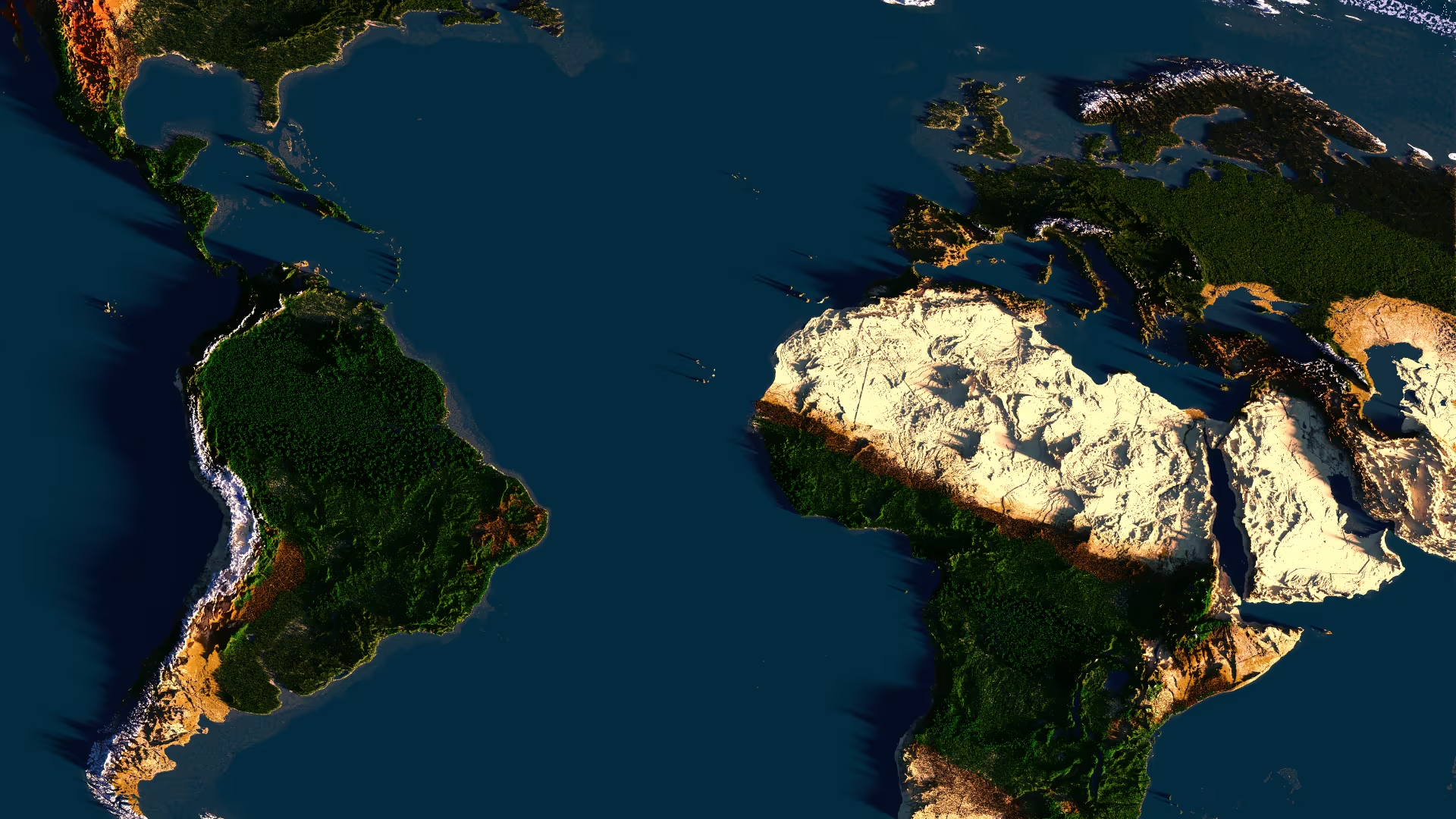
Shops turn towns into destinations. Borderra uses QuickShop for player shops, so players can sell and buy goods with gold while towns build real markets around traffic, supply, and trust.
There are no admin shops driving the economy. Players set prices, stock markets, move goods, and decide which towns become trade hubs.
Shop Location
A shop needs traffic. The best products still fail when nobody can find them.
Strong shop locations:
- Town centers with active residents.
- Nation capitals with roads and public storage.
- Ports, bridges, and road junctions.
- Border towns that serve multiple regions.
- Public markets with signs and organized stalls.
- Resource towns that sell local materials in bulk.
Use the Map Guide before building a market. Roads, coastlines, nearby towns, and nation borders all affect customer traffic.
Shop Plots
Use shop plots to separate public trading areas from private homes and storage.
Basic plot setup:
/plot claim
/plot set shop
/plot set perm switch on
/plot set perm itemuse on
/plot set perm build off
/plot set perm destroy off
Keep build and destroy permissions controlled. Customers need access to buy from shops, not edit the building.
Good market design uses clear aisles, visible signs, grouped products, and enough space for players to stand without blocking each other.
Create A Selling Shop
- Place a chest inside a shop plot.
- Hold the item the shop will sell.
- Left-click the chest while holding that item.
- Enter the gold price in chat.
- Put stock inside the chest.
The shop sells the item type used during setup. Keep the chest stocked so buyers can keep using it.
Create A Buying Shop
Buying shops pay other players for items and help keep markets stocked.
- Create the shop with the item and price.
- Look at the shop.
- Run
/qs buy. - Keep enough gold ready to pay sellers.
Use buying shops for bulk materials, regional goods, food, ores, and public project supplies.
Stock And Pricing
A shop is only useful when it stays stocked.
Start with items players need every day:
- Food.
- Wood.
- Stone and building blocks.
- Iron, coal, copper, and redstone.
- Tools, armor, and repair materials.
- Rockets, boats, rails, and travel supplies.
- Farm goods and regional materials.
Price in gold and keep prices readable. Simple pricing makes buying faster and reduces constant negotiation.
Good pricing habits:
- Sell common items in useful bulk amounts.
- Keep emergency basics affordable for new players.
- Charge more for delivery, risk, distance, and rare materials.
- Adjust prices when stock sells too fast or does not move.
- Put high-value goods in protected, well-managed areas.
Market Towns
Market towns need organization, not just chests.
Good market towns provide:
- A clear entrance from roads, ports, or town spawn.
- Signs that show product categories.
- Space for multiple sellers.
- Rules for shop plots and inactive stalls.
- Storage for public works and bulk deliveries.
- Safe travel paths through the market.
A strong market increases the value of nearby land. Towns with reliable shops attract residents, allies, and trade partners.
Trade Routes
Shops create demand, and demand creates routes.
Useful route planning:
- Connect farms to food markets.
- Connect mines to building towns.
- Connect ports to inland capitals.
- Connect new settlements to established suppliers.
- Connect nation towns to a shared capital market.
Protect trade routes with claims, lighting, signs, roads, and diplomatic agreements. A reliable route is part of the product.
Shop Trust
Trust matters because players remember who keeps stock, honors prices, and delivers on deals.
Strong shop habits:
- Keep shop signs clear.
- Restock popular items often.
- Remove empty or abandoned stalls.
- Record large supply contracts in Discord.
- Give staff access only to trusted players.
- Keep private storage separate from public shop stock.
Bad markets lose traffic quickly. Empty chests, confusing prices, and unsafe access make players shop somewhere else.
QuickShop Commands
Look at the shop before running management commands.
/qs buy
/qs sell
/qs price <price>
/qs size
/qs staff add <player>
/qs staff remove <player>
/qs staff clear
Use /qs in game to inspect QuickShop command help.