How to Join
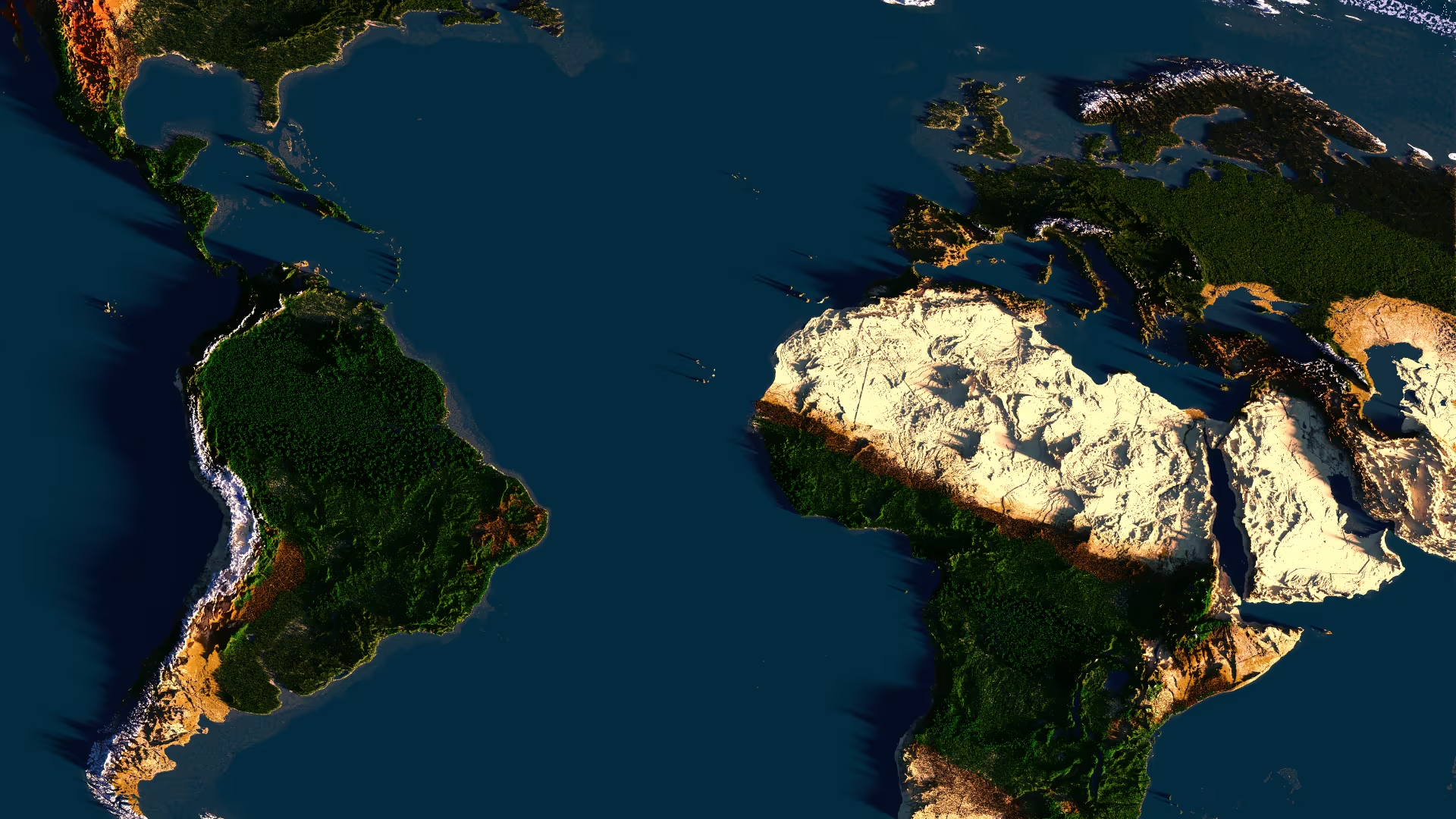
The IP address to join Borderra is join.borderra.com
Join Instructions
- Open Minecraft JAVA Edition.
- Click "Multiplayer".
- Click "Add server".
- Change "Server Name" to Borderra
- Enter the IP join.borderra.com into the "Server Address" field. No port necessary.
- Borderra has been added to your server list, double-click it to join.
Troubleshooting
If you are having trouble joining the server, please make sure of the following:
- You entered the IP address in correctly. Try typing it out instead of copy and pasting.
- You are joining using Minecraft Java Edition. Bedrock Edition is not supported.
- You have purchased Minecraft from minecraft.net
- You have a stable connection. If you do not, try lowering your render distance to the minimum.
- Mojang authentication services are available
- Your DNS server supports SRV records (After entering IP, server does not show up as online). If not, try changing your DNS servers to 1.1.1.1